
Align Press Kit
Everything you need to write about Align, in one place. Use any of the text and assets on this page without asking. For anything else, email contact@align.day.
Download the full press kit (ZIP, 5.5 MB)
About Align
One line
Align is a visual time blocking app for iPhone and iPad that turns tasks and calendar events into a realistic daily schedule.
Short boilerplate (about 50 words)
Align is a visual time blocking app for iPhone and iPad. It puts tasks and calendar events on one daily timeline, so people can see whether their plan fits the day and adjust it when things change. Align is free on the App Store, with an optional Align Plus subscription.
Long boilerplate (about 150 words)
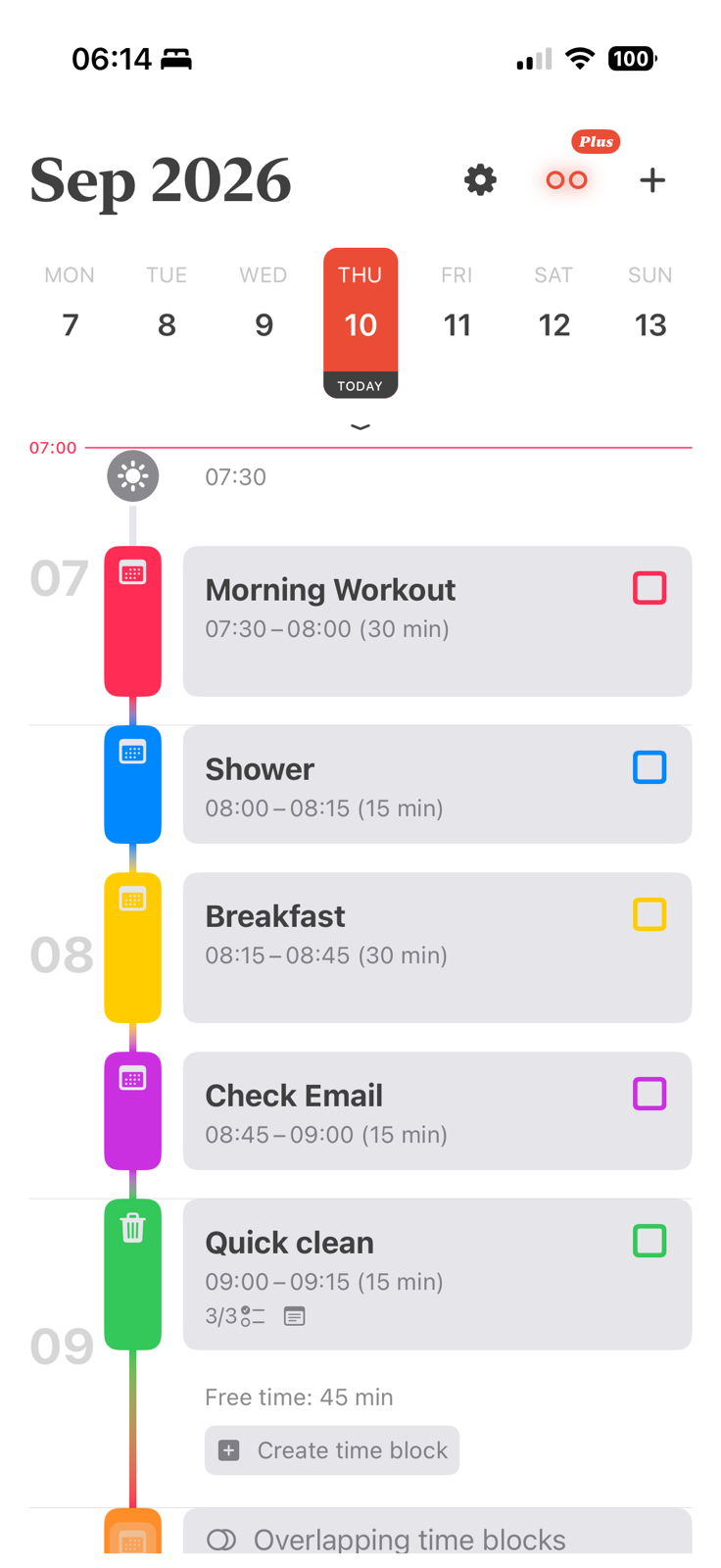
Align is a visual daily planner for iPhone and iPad built around time blocking: giving each task its own slot in the day instead of leaving it on an open-ended to-do list. Tasks and events from the calendars already on the device appear together on one color-coded timeline, so it is clear at a glance how much of the day is planned and how much is free. Time blocks can be created, resized and moved, given colors and icons, and set to repeat. Align sends a reminder when a block is about to start, and Align Plus can keep blocks from overlapping. Data stays on the device and syncs through the user's own iCloud account. Align is built by Oscar Vicente Gonzalez Greco, an iOS developer with more than a decade of experience. It is free on the App Store, with an optional Align Plus subscription.
Key Facts
| Fact | Detail |
|---|---|
| Name | Align |
| What it is | Visual time blocking app and daily planner |
| Platforms | iPhone and iPad (iOS and iPadOS 18.6 or later) |
| Pricing | Free download, with an optional Align Plus subscription |
| App Store category | Productivity |
| App Store | Align on the App Store |
| Website | align.day |
| Founder | Oscar Vicente Gonzalez Greco |
| Press contact | contact@align.day |
Brand Assets
App icon
The icon comes in a light and a dark version, each a 1024 × 1024 PNG.
Align has no separate logo or wordmark. Use the app icon next to the name "Align" set in plain text.
Brand colors
| Color | Hex | Role |
|---|---|---|
| Warm Ivory | #F8F5EF | Primary |
| Soft Beige | #E8DED2 | Primary |
| Charcoal Black | #242220 | Primary |
| Muted Terracotta | #D98245 | Accent |
| Dusty Clay | #C97A5A | Accent |
| Soft Sand | #D9C7B8 | Accent |
| Warm Gray | #706A63 | Supporting |
| Pale Linen | #F3ECE3 | Supporting |
| Muted Olive | #8A8F6A | Supporting (rare use) |
Screenshots
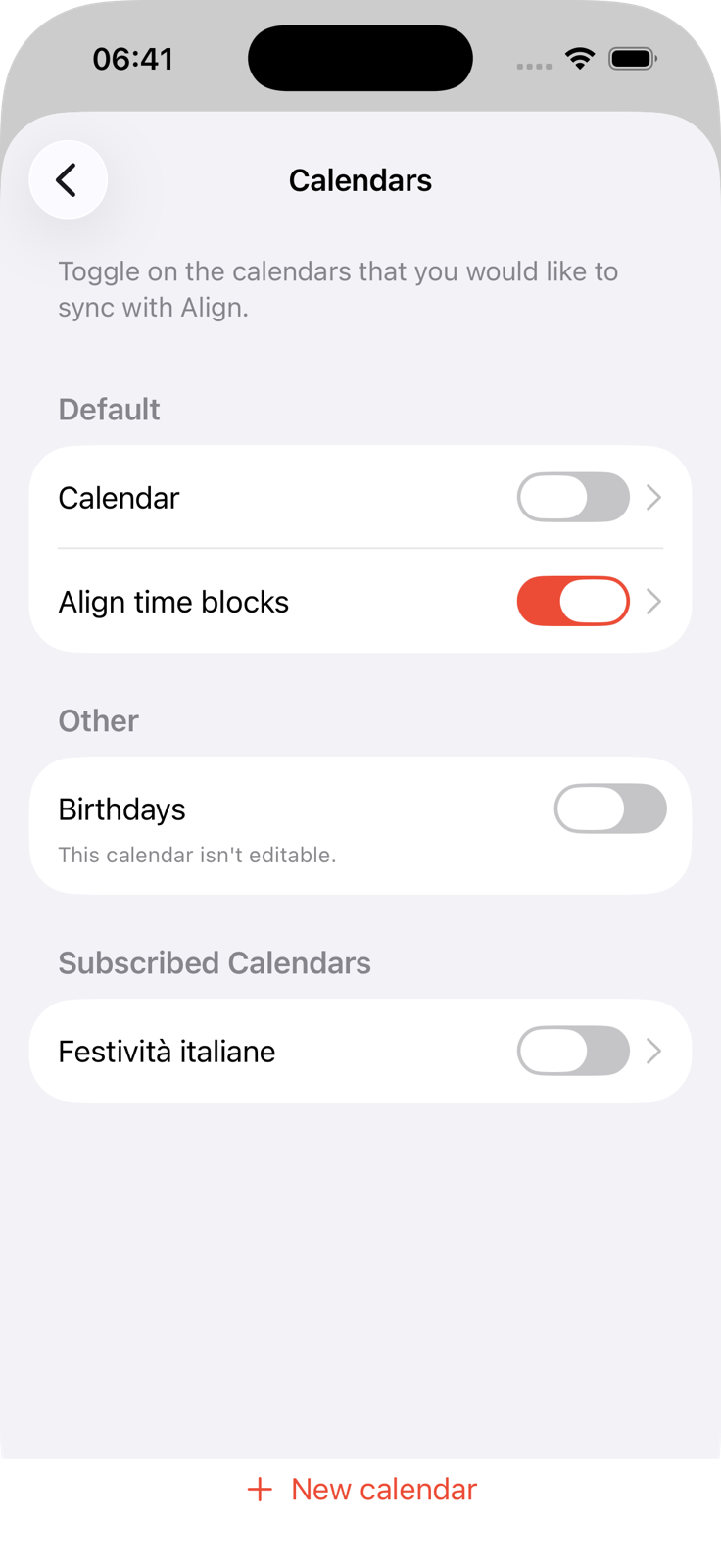
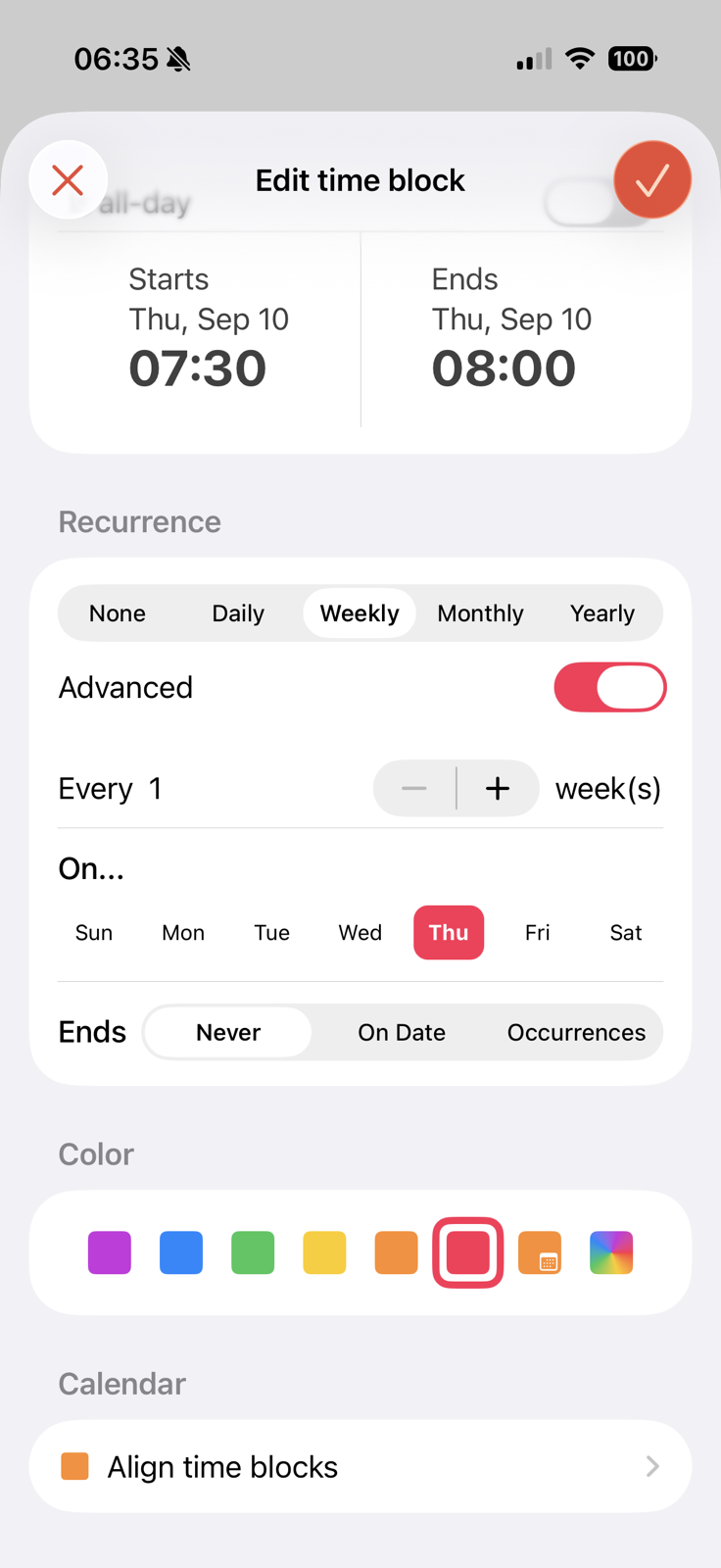
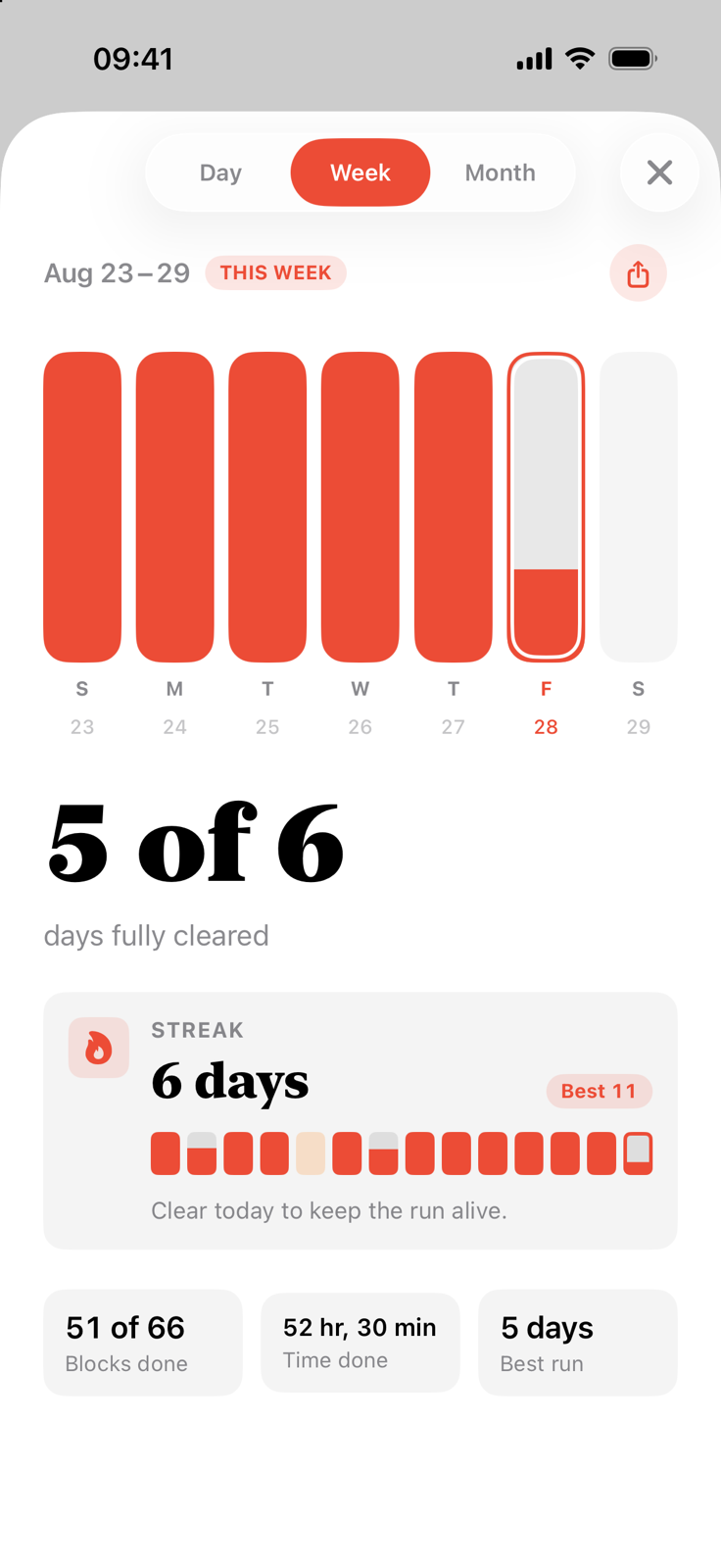
Web-sized previews are below. Full-resolution files are in the press kit download.
iPhone
iPad
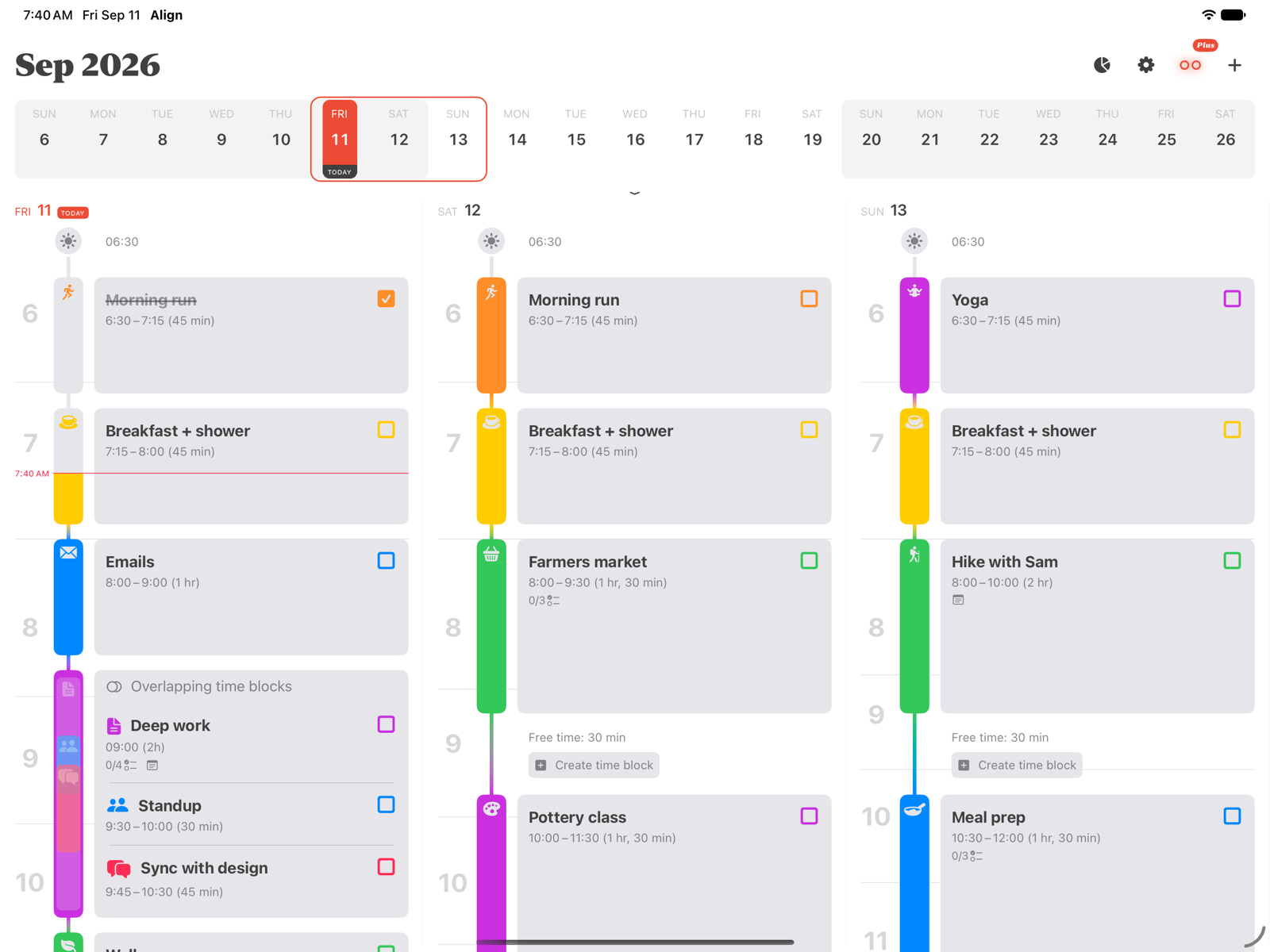
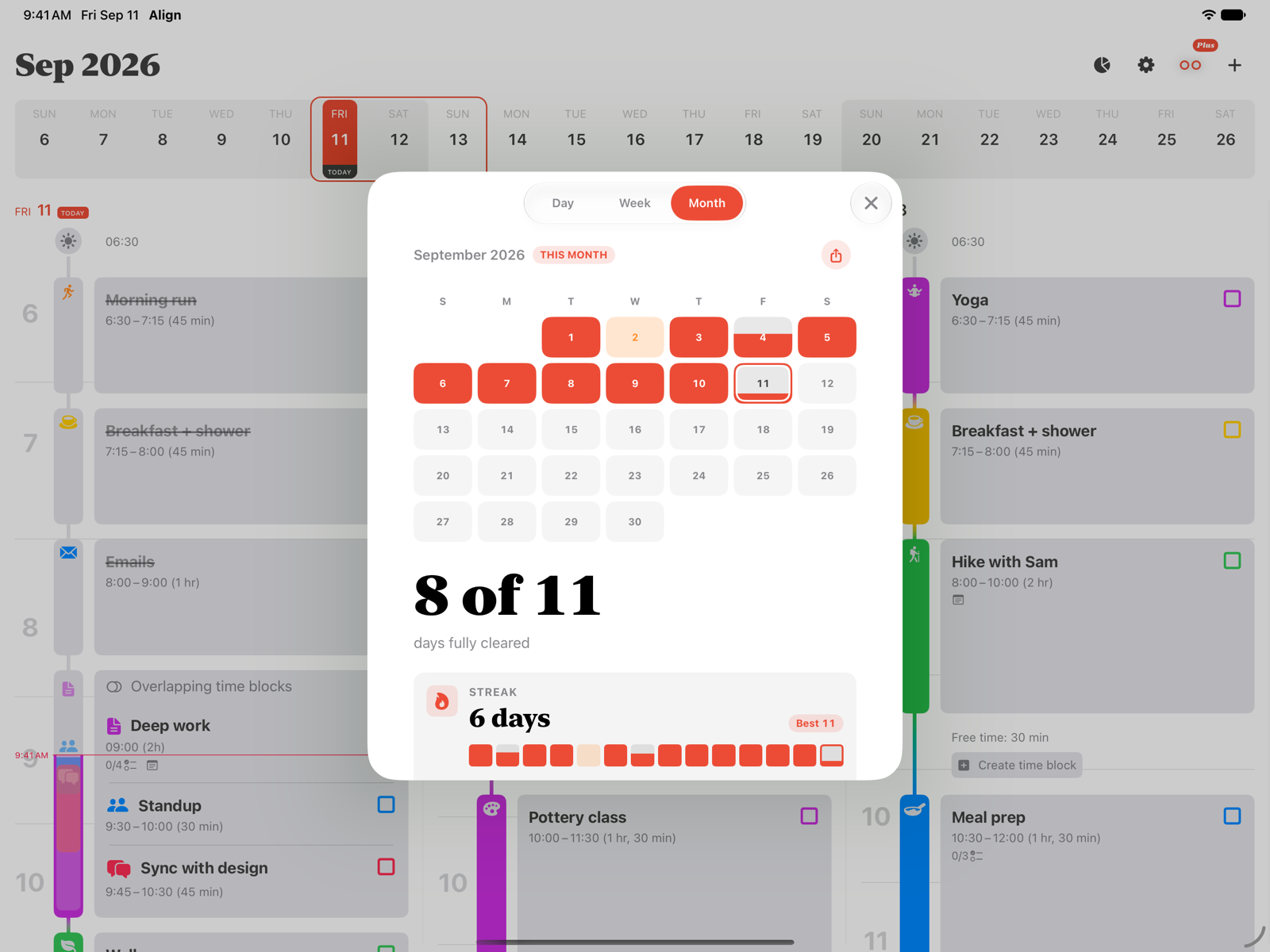
Founder

Oscar Vicente Gonzalez Greco is the iOS developer behind Align. Born in Venezuela and based in Italy, he holds a degree in Software Engineering from Universidad Catolica Andres Bello and has spent more than a decade building iPhone apps as a freelance developer for tech companies across South America, the United States and Europe. Align is his own project: an app to help people manage their time and plan days they can actually follow. Read Oscar's full bio.
Download the headshot (800 × 800 JPEG). The full-resolution photo is in the press kit download.
Usage Guidelines
Do
- Write the name as "Align", with a capital A.
- Use the app icon as supplied, at its original proportions, with some clear space around it.
- Use the light icon on light backgrounds and the dark icon on dark backgrounds.
- Link to align.day or the App Store listing when you mention the app.
Don't
- Recolor, stretch, crop, rotate or add effects to the icon.
- Combine the icon with other logos or use it to suggest a partnership or endorsement.
- Create a new logo or wordmark for Align.
- Edit screenshots to show features Align does not have.
Download
Download align-press-kit.zip (5.5 MB). It contains:
icons/: the light and dark app icons (1024 × 1024 PNG)screenshots/iphone/andscreenshots/ipad/: the screenshots above at full resolutionfounder/: Oscar's headshot at full resolutionfacts.txt: the boilerplate text and key facts from this page
Questions, interview requests or something missing? Email contact@align.day.

